

invoicing
What Does Net 30 Mean on an Invoice? Payment Terms Explained
Net 30 means payment is due 30 days after the invoice date. Here is how net 7, 15, 30, and 60 work, when the clock starts, and how to write terms clients follow.
Read guideProduct / Finorly AI Invoice Maker
Finorly AI Invoice Maker helps freelancers use AI to turn plain-language notes and voice input into structured invoices, then review, export, and send them from one mobile workflow.
AI invoicing
Talk. Draft. Send.
Capture the job in natural language and turn it into invoice structure in one pass.
Client memory
Reuse what matters
Keep clients, services, and pricing ready for the next invoice.
Final review
Check before you send
Preview totals, verify details, and export from the same workflow.
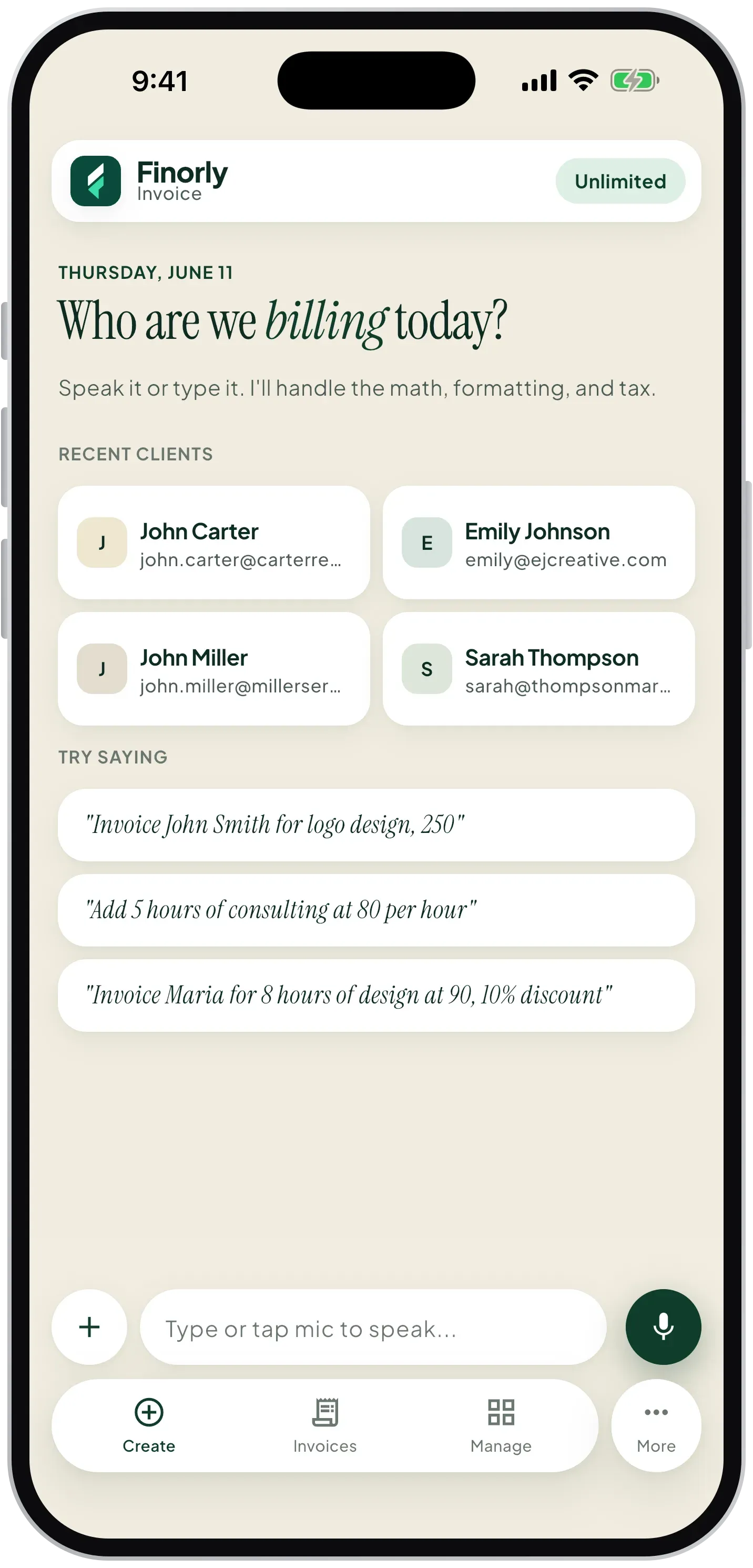
Explanation
An AI invoice generator helps you create invoices from plain-language instructions instead of filling every field manually. You describe the client, the work, the amount, and the due date, and the software turns that input into invoice structure you can verify before it goes out.
Finorly AI Invoice Maker applies that workflow to real client work. As an AI invoice maker for freelancers, it uses typed or spoken job notes to build invoice drafts you can review, edit, and send without rebuilding the same billing context every time.
Features
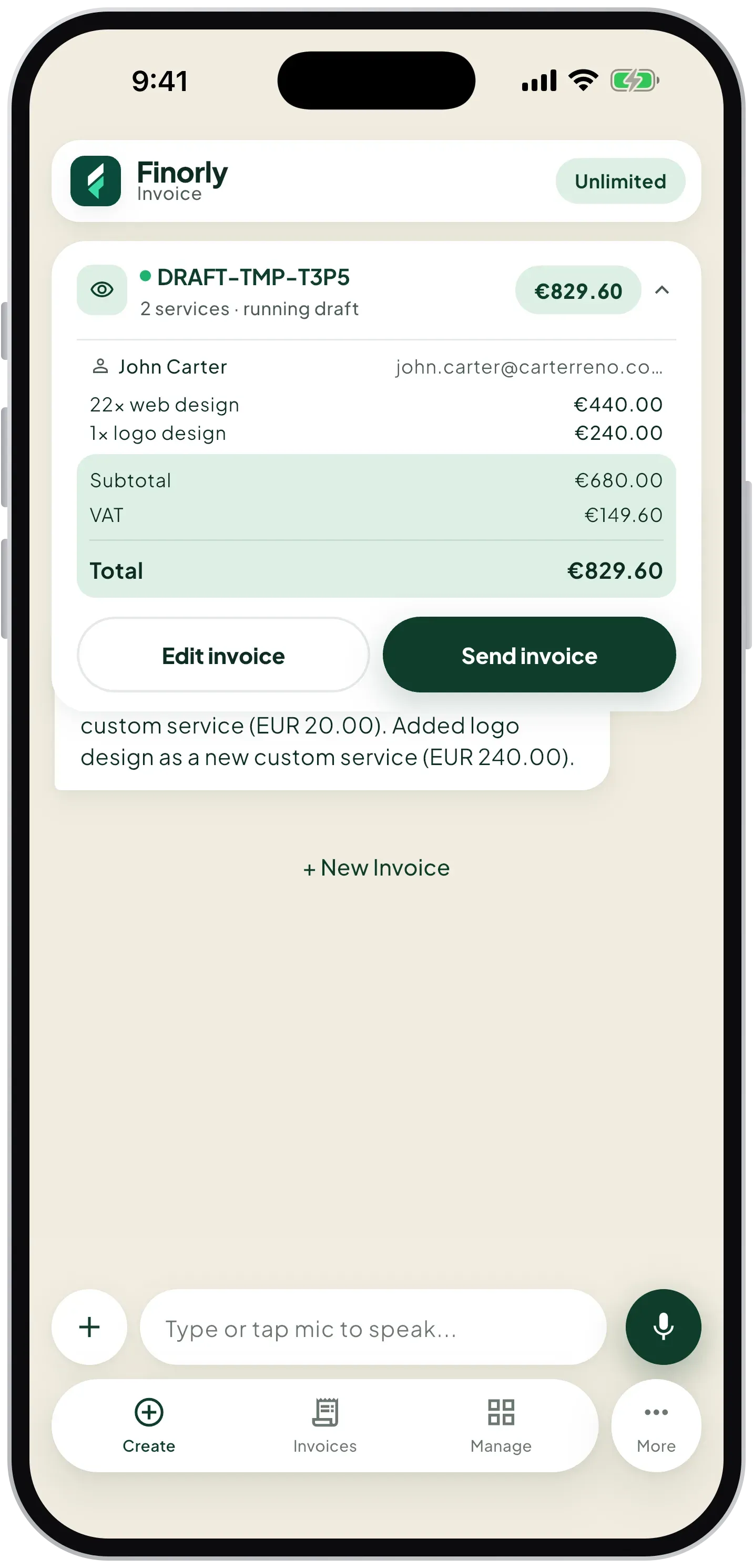
Instead of tapping through long forms, you can say, “Create an invoice for John for web design, $500 due next Friday.” Finorly turns that spoken request into a structured draft, which makes the voice invoice generator experience feel fast without removing your final review.
This AI voice invoicing flow keeps the invoice close to the way the work was originally described, so you spend less time reconstructing line items and more time sending a clean invoice.
Speak the job details
Describe the client work in plain language while the details are still fresh.
Build the draft automatically
Finorly maps the voice input into client details, services, totals, and due dates.
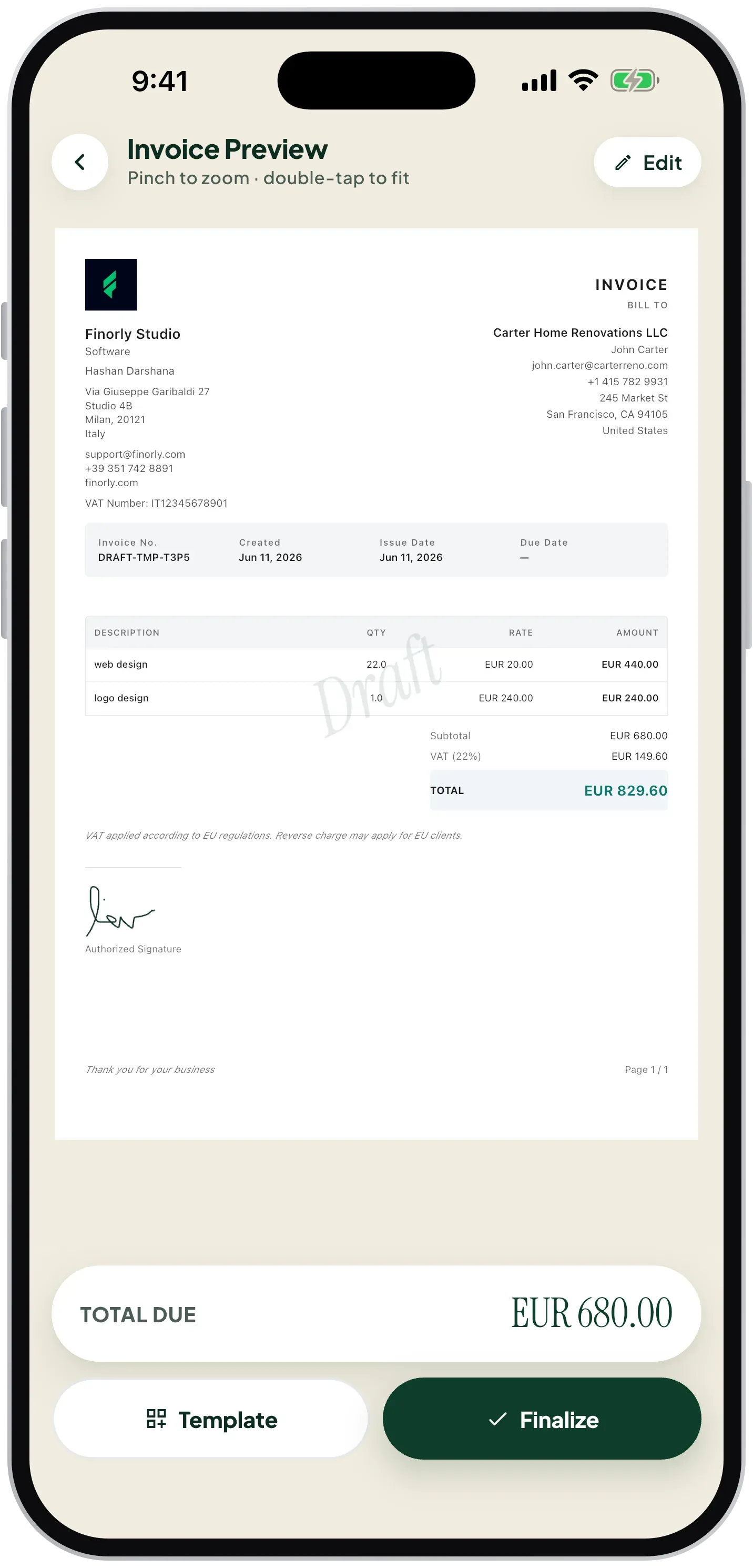
Review before sending
Check the draft, adjust the details if needed, and export from the same mobile workflow.
Feature proof
The first pass matters. Finorly AI Invoice Maker captures the client, service, and billing context at the moment the work is described, which reduces reconstruction later.
Voice capture
Record what happened once, while the job details are still accurate.
Invoice preview
Keep the final review close to the captured context so the last step stays fast.
Freelancer workflow
Finorly AI Invoice Maker is an invoice app for freelancers who bill recurring clients, switch contexts often, and want invoicing to feel like a quick operational step rather than a separate accounting project.
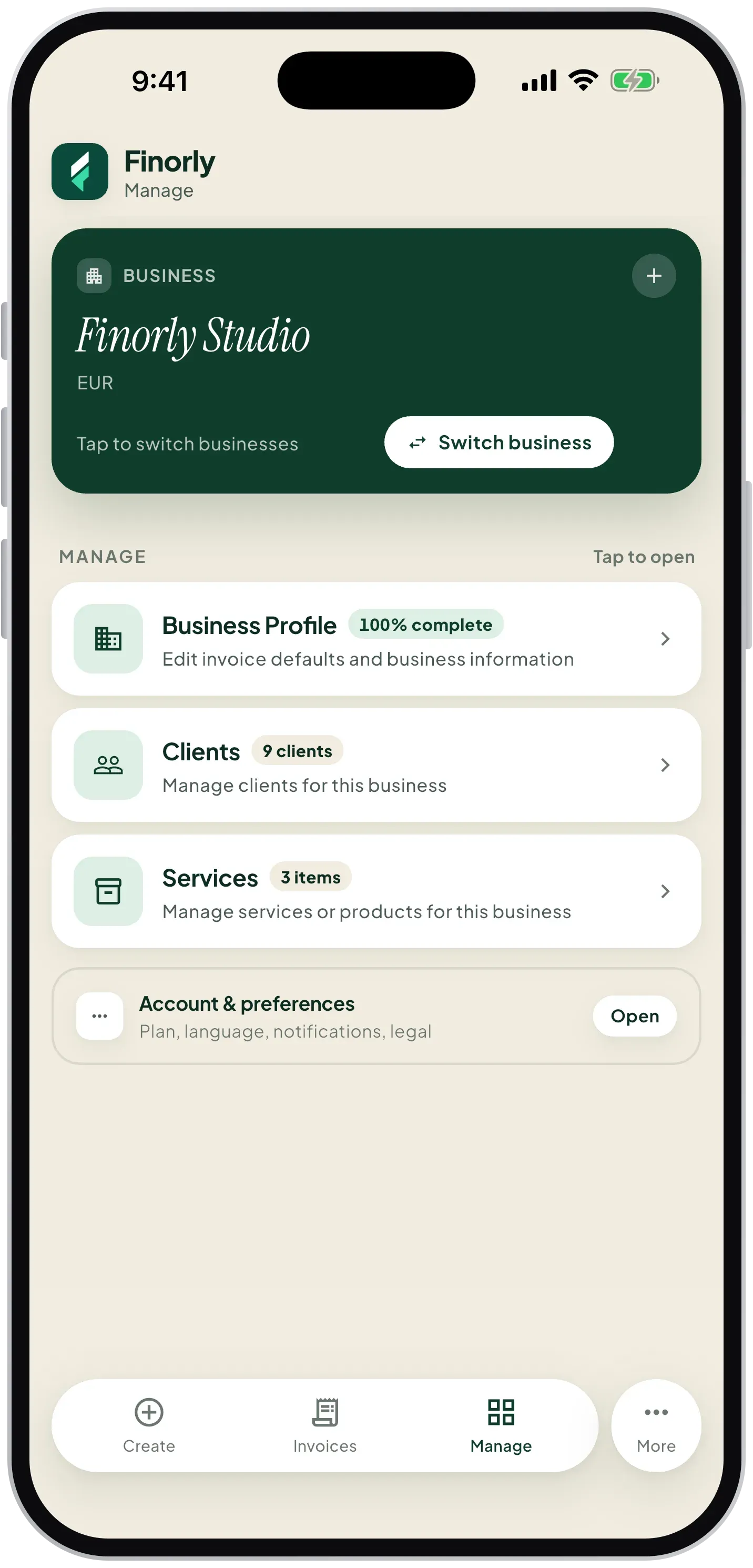
Client management
Keep billing context attached to the right client and cut down on repeat setup work for ongoing projects.
Service memory
Save services, pricing, and repeatable work units so the next draft starts close to finished.
Screenshots
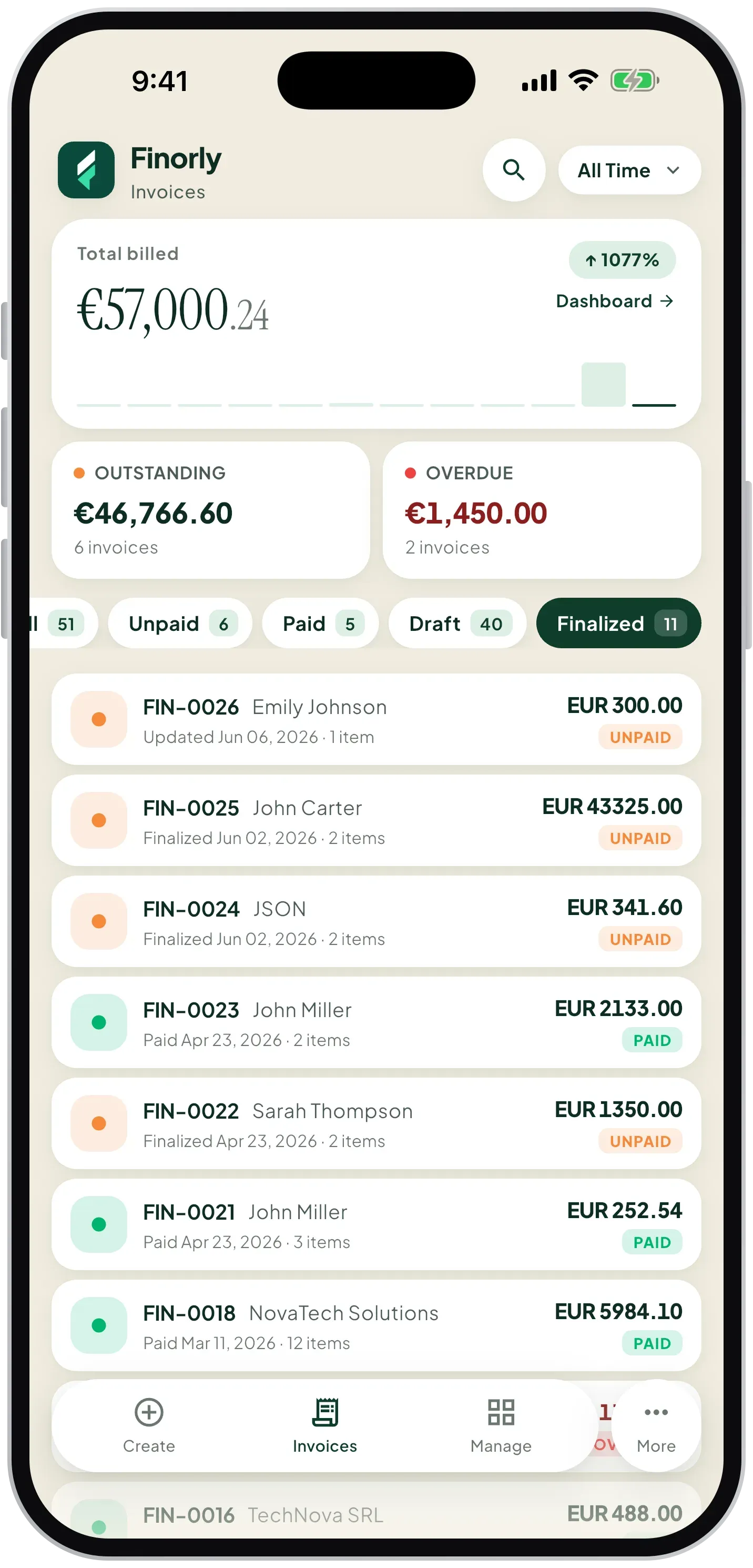
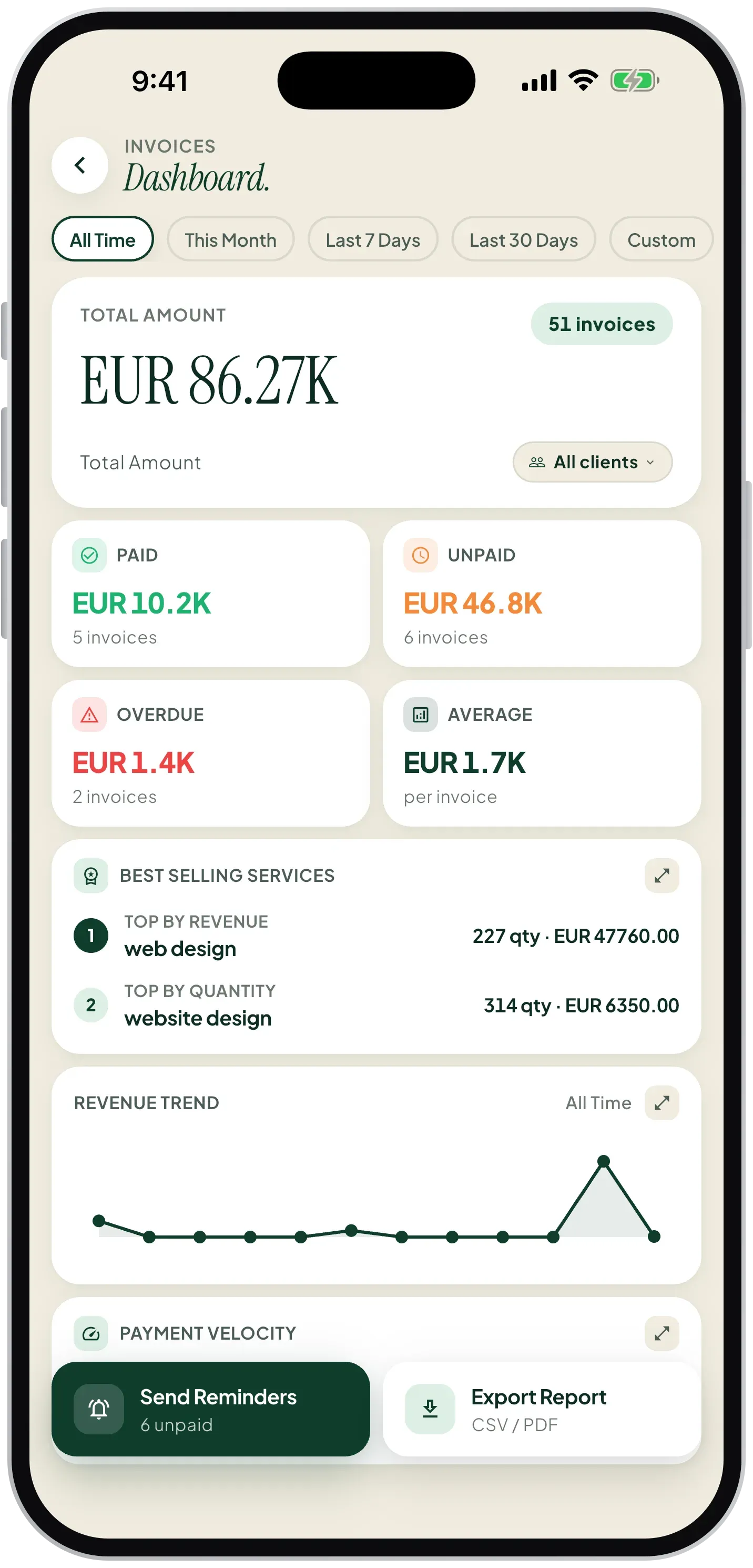
Browse the product screens as a single story rather than a static gallery. The screenshot rail uses a native scroll experience with the real app screens.
Free tools
Use the free tools for pricing, payment timing, and quick invoice creation, then move into Finorly AI Invoice Maker when you want the workflow to live on your phone.
Type one sentence and watch AI turn it into a professional invoice — client, line items, tax, and totals.
Create a clean freelancer invoice, preview totals, and print or save it in one flow.
Work out exact invoice due dates from common payment terms without guessing.
Estimate flat, monthly, or annual late fees on overdue invoices with a clear breakdown.
FAQ
An AI invoice generator helps you turn plain-language instructions into structured invoices instead of entering every billing field manually.
You describe the client work in your own words, and Finorly AI Invoice Maker converts that typed or spoken input into an invoice draft you can review before sending.
Yes. It is built for freelancers and small client-service teams that need faster invoicing, repeat client context, and a simpler way to bill after work is done.
Learn more
These articles explain AI invoice generation, voice invoicing, and how freelancers can choose an invoice workflow that stays fast without turning billing into extra admin.
invoicing
Net 30 means payment is due 30 days after the invoice date. Here is how net 7, 15, 30, and 60 work, when the clock starts, and how to write terms clients follow.
Read guidePrivacy and support
For privacy details, billing questions, bug reports, or feature requests, use the links below to reach the right place quickly.